AI in Production -- Part 8
Production Readiness: The Complete AI Feature Checklist
The Question
Seven articles. Resilience, observability, cost, governance, integration, testing. A lot of patterns and a lot of code.
Now someone asks: is the AI feature ready to ship?
Most teams answer that question by feel. It seems to work. The demo went well. The happy path is fine. Ship it.
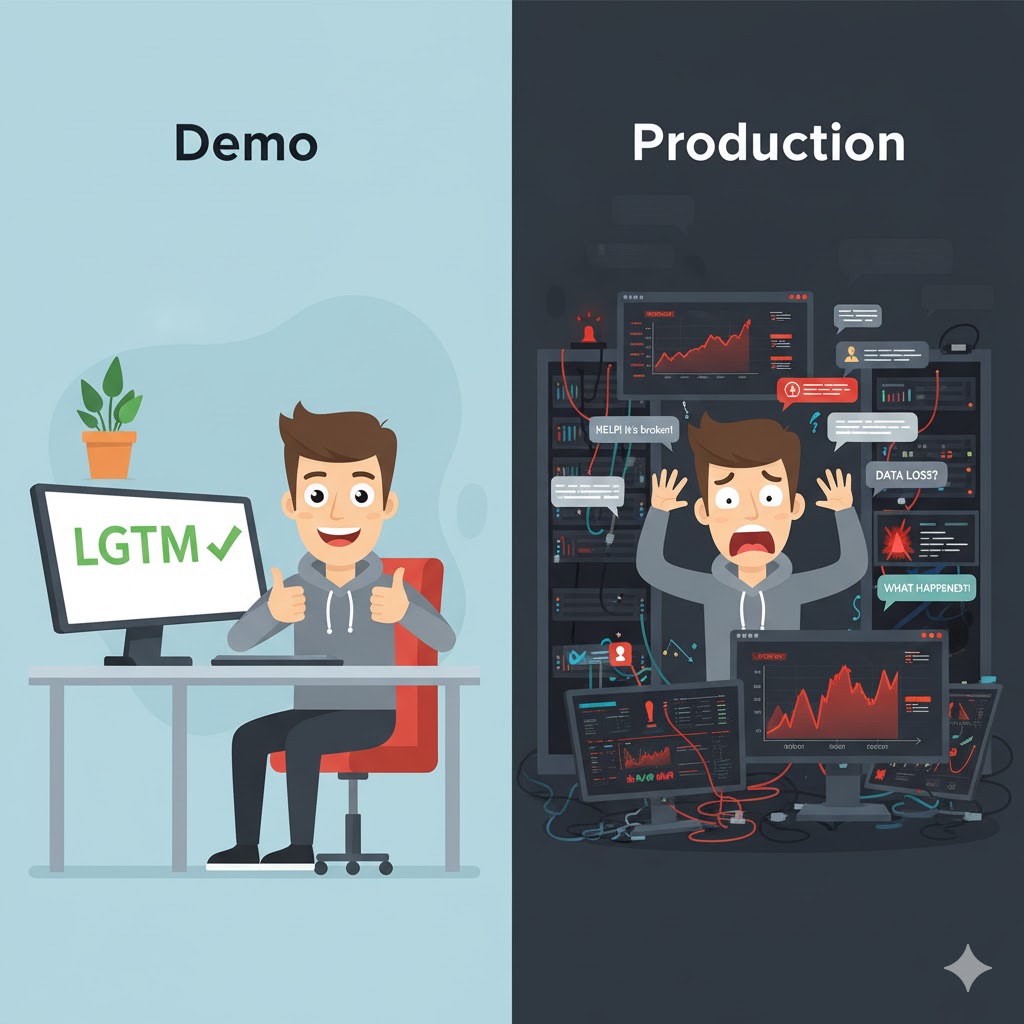
That’s how you end up with the problems from article 1 — the gap between demo and production. The demo is always fine. Production is where you find out what you missed.
A pre-flight checklist removes the “feels ready” problem. Pilots don’t skip the checklist because the plane looks fine. They run it every time, because the cost of missing something is too high.
This is that checklist. Not a summary of the articles — a structured review you run before any AI feature goes live. Organised by domain, with a yes/no answer for each item. If you can’t answer any of these, that’s the one to fix first.

The Checklist
Resilience (Article 2)
The AI provider will have incidents. Your feature must survive them without taking the rest of the application down.
- Timeout set — every AI call has a hard timeout. Not just the HttpClient default — a Polly timeout that fires before the network timeout.
- Retry on transient errors — you retry on 429 and 503 with exponential backoff. You do not retry on bad responses or empty results.
- Circuit breaker configured — after a threshold of failures, the circuit opens. You know the thresholds (failure ratio, sampling window, break duration).
- Fallback returns null, not an exception — when the circuit is open or retries are exhausted, the service returns null. It does not throw. Callers handle null gracefully.
- AI outage affects only the AI feature — if the AI provider goes down completely, users can still read, write, and use the rest of the application. The AI feature shows a “temporarily unavailable” message. Nothing else breaks.
- Fallback path tested — there is an integration test using a fake HTTP handler (503) that confirms null is returned, not an exception.
Observability (Article 3)
If something goes wrong in production, you need to know about it before users tell you.
- p95 latency tracked — you track p50, p95, and p99 latency for AI calls. You do not rely on averages. There is an alert if p95 exceeds your threshold.
- Token usage recorded — prompt tokens and completion tokens are recorded per request. You have a baseline. A 20% deviation triggers a review.
- Fallback rate monitored — you track how often the fallback activates. Above 2% triggers an alert.
- Outcome breakdown visible — you can see the split between
success,empty_response,circuit_open, anderrorat any time. - Suspicious responses logged — responses that are too short, or that start with refusal patterns, are logged for review.
- Model version recorded — you log which model responded to each request. When the provider updates silently, you can correlate the timestamp with a behaviour change.
Cost (Article 4)
Token costs scale with input complexity, not just request volume. One surprising workload can double your bill.
- Input size limit enforced — every AI endpoint rejects inputs that exceed a token limit. The limit is documented. The rejection is logged.
- Responses cached — repeated or similar requests hit the cache, not the AI. You know your cache hit rate. It’s above 20% for stable workloads.
- Model routing in place — simple requests go to a cheaper model. Complex requests go to the more capable one. The routing logic is explicit, not accidental.
- Per-user rate limit set — one heavy user cannot consume the whole budget. There is a per-user or per-tenant limit. Users are told when they’re approaching it.
- Daily cost metric exists — you calculate cost from token counts and model prices. You have a daily total. There is a budget alert threshold.
- Finance can understand the bill — you can explain what drives the AI cost up or down. If you can’t explain it, you can’t control it.
Governance and Compliance (Article 5)
If you process user data in the EU, these are not optional. They are legal requirements.
- Personal data mapped — you know exactly which fields are sent to the AI. “Nothing sensitive” is not an answer unless you have verified it field by field.
- DPA signed — you have a signed Data Processing Agreement with the AI provider.
- Data residency confirmed — data stays in the EU, or you have documented adequate safeguards for transfers outside it.
- Training opt-out active — your data is not used to train the provider’s models. Confirmed in writing.
- Users informed — your privacy policy mentions AI processing. If users interact directly with the AI feature, there is a visible disclosure (EU AI Act transparency obligation).
- Audit log exists — for every AI call: user ID, feature, input hash (not the input itself), model, legal basis, timestamp. Durable, not application logs.
- Consent checked before AI calls — if consent is your legal basis, it is verified before every call. Withdrawal of consent is respected immediately.
- EU AI Act classification documented — you have assessed your system as limited risk (or higher) and written down why. An auditor needs to see the reasoning, not just the conclusion.
Integration (Article 6)
AI features added to existing systems need to be optional enrichments, not hard dependencies.
- AI runs asynchronously — the main request returns immediately. AI enrichment happens in the background. Users are not blocked waiting for the model.
- Feature flag controls rollout — there is a switch to enable or disable the AI feature without deploying. It supports percentage rollout.
- AI-generated columns are nullable — no required AI field exists on a table that had data before the feature was built. Existing rows without AI data are handled correctly.
- API response communicates availability — responses include a field like
AiAvailableorAiSummaryAvailable. Clients use this to decide what to show — not a null check on the content field. - Backfill strategy exists — you have a plan (and code) for enriching existing data. It runs in batches with delays. It does not lock tables or hammer the AI API.
Testing (Article 7)
Three layers. Each answers a different question. All three must exist.
- Unit tests mock the AI — your application logic is tested without calling the real model. The controller, enricher, middleware, and other components have tests that inject a fake
IAiSummaryService. - Integration tests cover failure paths — there are tests using a fake HTTP handler (503, timeout) that confirm the circuit breaker opens, retries stop, and null is returned.
- Eval tests exist and run on a schedule — you have a set of golden inputs with quality criteria (not exact output). They run weekly or before each release. They catch model regressions.
- Eval criteria are explicit — each eval case defines minimum length, maximum length, forbidden phrases, and expected keywords. The bar is documented, not implicit.
- Eval tests are separated from CI — they don’t run on every push. They have their own pipeline step, with real credentials, on a schedule.
The Two Questions That Matter Most
You can read every item above and still miss the point. So after the checklist, ask these two questions:
If the AI provider goes down right now, what do users see?
The answer should be: a message saying the AI feature is temporarily unavailable. Everything else works normally. If the answer is “a 500 error” or “the whole page breaks”, you have resilience work to do.
If a user in the EU asks you what data you sent to the AI about them, what do you say?
The answer should be: you look at the audit log, query by user ID, and give them a list of timestamps, features, and input hashes. If the answer is “I’m not sure” or “we don’t log that”, you have compliance work to do.
Everything else in the checklist supports these two answers. Build for them and the rest follows.
Shipping Is Not the End
One more thing before you ship.
AI features are not set-and-forget. The model updates silently. Usage patterns change. Costs drift. Compliance requirements evolve. The circuit breaker you set in January might be wrong for your traffic in June.

The patterns in this series — metrics, evals, audit logs, feature flags — are not just for the launch. They’re the ongoing maintenance layer that keeps you in control after the launch. Check the eval results weekly. Review the cost chart monthly. Revisit the compliance documentation when you add a new data source.
The gap from article 1 — between what works in the demo and what works in production — is not closed permanently. It has to be maintained. The checklist gets you to launch. The monitoring keeps you there.
What’s Next
You’ve shipped the AI feature. It’s resilient, observable, cost-controlled, compliant, integrated, and tested.
Now a different question becomes interesting: how do you build better with AI? Not just how you run AI in production — but how you use AI as a tool in your own development process. Structured prompting, AI-assisted design, keeping the AI output consistent and verifiable.
That’s what a new series I’m writing — ATLAS + GOTCHA — will be about. Where this series focuses on the system around the AI, ATLAS + GOTCHA focuses on the development methodology — how architects and engineers can work with AI tools in a structured, repeatable way.
If you found this series useful, that one picks up where this one leaves off. (Update: the ATLAS + GOTCHA series is now live.)
If this series helps you, consider buying me a coffee.
This is article 8 of the AI in Production series — the complete production readiness checklist for AI features in enterprise systems.
Loading comments...