AI in Production -- Part 1
The Gap Nobody Talks About: From AI Demo to AI in Production
The Problem
The demo always works.
You watch someone on stage build a chatbot in 20 minutes. API call, stream the response, done. It answers questions. It sounds smart. The audience claps. You go back to your desk and think: “I can do this.”
And you can. You build it in an afternoon. It works great — on your laptop, with your test data, one request at a time, when you know what you’re going to ask it.
Then something happens. You show it to your team. Someone pastes a 10-page PDF into the chat. The latency spikes to 40 seconds. The model returns something that’s factually wrong but sounds completely confident. A colleague asks it something your test data never covered and it hallucinates an answer. You run it for a week and the API bill is three times what you expected.
You haven’t deployed it to production yet. And already it’s breaking.
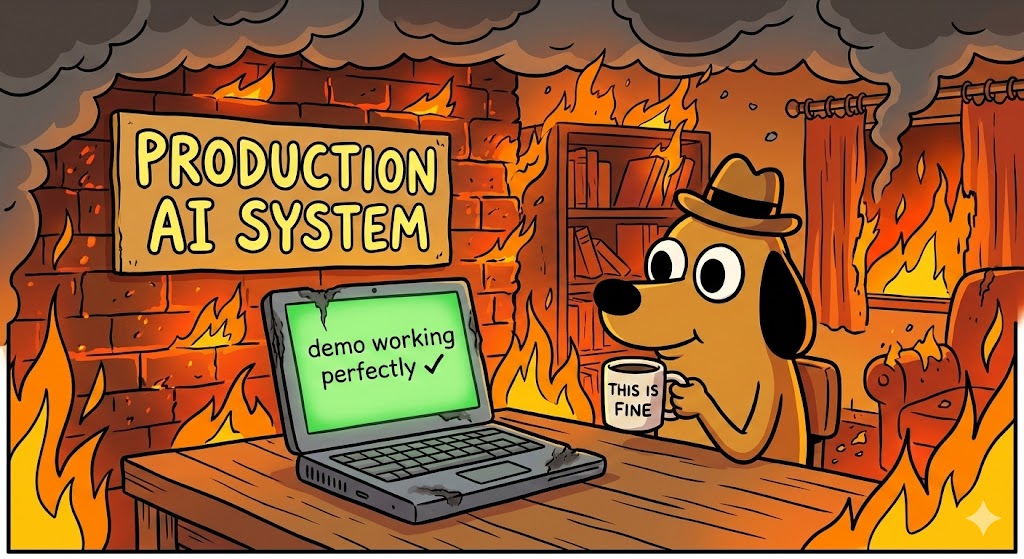
This is the gap. And it’s not a small gap — it’s the reason most enterprise AI projects die between “proof of concept approved” and “running in production for real users.”
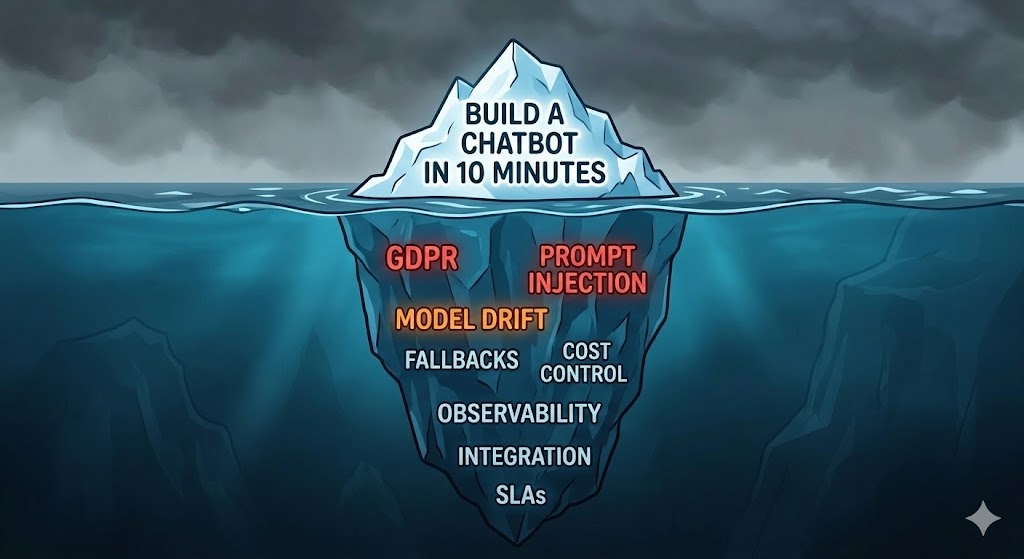
The problem is not the AI. The model does what it does. The problem is that demos hide the decisions you didn’t make yet. Every AI system that runs reliably in production has answers to questions like: what happens when the API is down? How do you know the response was good or bad? What does this cost at 10x the current volume? What data is going to the model, and is that legal? Can the existing system even integrate with this?
Nobody covers this. There are thousands of tutorials for “build a chatbot in 10 minutes.” There are almost no articles that ask “what happens when a real user breaks it at 2am on a Saturday?”
This series is about that gap.
The Real Differences
Let me be specific. Here’s what a demo looks like versus what production looks like:
| Demo | Production | |
|---|---|---|
| Input | Controlled, tested | Anything. Seriously, anything. |
| Scale | 1 user (you) | Hundreds or thousands, concurrent |
| Latency | You don’t care | SLA. Someone is waiting. |
| Cost | ”It’s fine, just testing” | Budget. Per request. |
| Failures | You retry manually | Users get error messages. Or wrong answers. |
| Data | Fake or your own | Real user data. GDPR. Legal. |
| Model changes | You don’t notice | Provider updates the model, behavior changes |
| Monitoring | None | How do you know it’s working? |
Every row in that table is a decision you haven’t made yet when you build the demo. Production forces you to make all of them at once.
Where Things Break
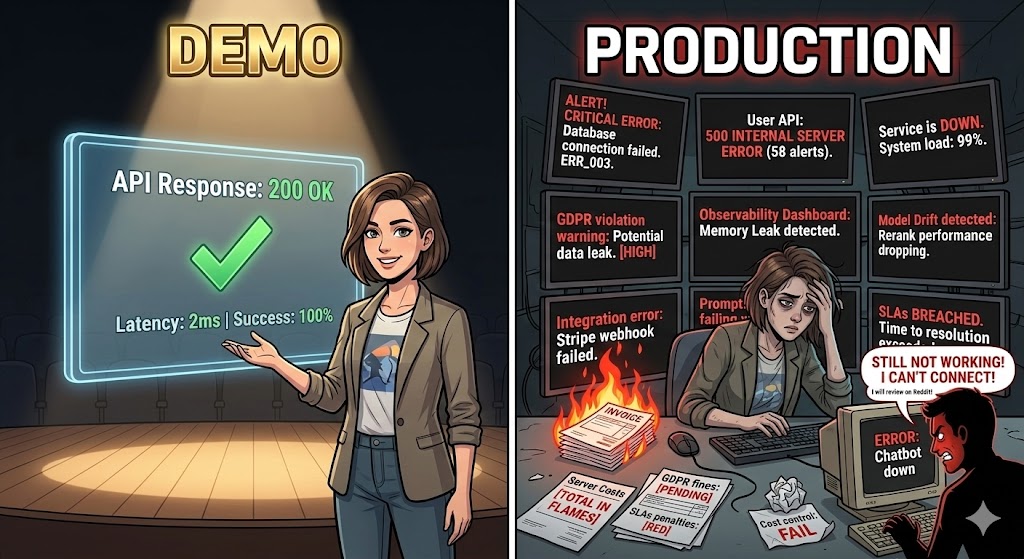
I’ve worked on enterprise systems long enough to see the patterns. These are the things that actually go wrong:
No fallback. The AI API goes down — it happens, all major providers have incidents — and the whole feature goes down with it. Sometimes the whole application. There’s no graceful degradation, no cached response, no “we’ll try again in a moment.” Just a broken user experience.
No cost control. Someone sends a very long document. Or a lot of users come in at once. Or a new feature generates more tokens than expected. The bill at the end of the month is a surprise. Finance asks questions. Someone has to explain it.
Data going where it shouldn’t. A developer integrates the AI feature without realizing that user data — sometimes personal data, sometimes confidential business data — is being sent to a third-party API. Legal finds out. Compliance asks questions. It’s a problem.
No way to know if it’s working. Traditional monitoring tells you if the API returned 200. It doesn’t tell you if the AI’s answer was correct, helpful, or safe. You have no visibility into quality. You only find out something is wrong when a user complains.
Prompt injection. Real users don’t behave like your test data. Some of them, intentionally or not, will put things in the input that change how the model behaves. “Ignore previous instructions and…” is the classic example. In a demo you never see this. In production you see it on day one.
Integration with existing systems. The demo runs standalone. The real system needs to integrate with the database, the authentication system, the event bus, the existing API layer. That integration is where most of the actual engineering work is — and it’s invisible in the demo.
What Architects Think About
The developers who build demos are thinking about the AI. What model, what prompt, what response format.
The architects who build production systems think about the system around the AI. The AI component is just a piece — and usually not the hardest piece. The hard parts are:
- How does the rest of the system behave when the AI fails?
- How do you observe what’s actually happening?
- How do you keep costs predictable?
- How do you integrate without breaking what already works?
- How do you stay compliant?
These are not AI questions. They’re architecture questions. And they have architecture answers — patterns, practices, and decisions that people have been applying to distributed systems for years, now applied to a new type of component.
That’s what this series covers.
What’s in This Series
Eight articles. Each one is a specific decision you need to make before you can run AI reliably in production.
- The Gap — This article. The problem and the mindset.
- Designing for Failure — Fallbacks, circuit breakers, degraded mode. What happens when the AI doesn’t work.
- Observability — How to measure what you can’t see. Quality, latency, drift, cost — in real time.
- The Cost Problem — Tokens, caching, batching. How to make cost predictable.
- Governance and Compliance — What legal will ask before this goes live. How to design for it from the start.
- Integrating into Existing Systems — Patterns for adding AI to architectures that already exist.
- Testing AI Features — Reliable tests for a non-deterministic component. Unit, integration, and eval layers.
- Production Readiness — The complete checklist before your AI feature goes live.
No tutorials for building chatbots. No hype about what AI can do. Just the architecture decisions that determine whether your AI project survives contact with real users.
Once you’ve finished this series and you want to go further — not just how to run AI in production, but how to use AI as a structured development tool in your own workflow — I’m working on a new series called ATLAS + GOTCHA that picks up from there. It will cover the methodology side: structured prompting, AI-assisted development, keeping AI output consistent and verifiable. A natural next step after this one. (Update: the ATLAS + GOTCHA series is now live.)
Before the Next Article
Before you read article 2, think about a project you know — one where AI was considered or already tried. Pick one thing from the “Where Things Break” section above.
Which one happened? Or which one would happen if you deployed it today?
That’s the question that drives the rest of this series.
If this series helps you, consider buying me a coffee.
This is article 1 of the AI in Production series. Next: Designing for Failure — what happens when the AI is unavailable, slow, or wrong, and how to build a system that handles it.
Loading comments...