AI in Production -- Part 2
Designing for Failure: What Happens When the AI Doesn't Work
The Problem
Here’s a scenario that happens more often than people admit.
You integrate an AI feature. It works great in testing. You deploy it. Three weeks later, at 11pm on a Wednesday, the AI provider has an incident. Their API starts returning 503. Your feature breaks. But not just the feature — your error handling wasn’t built for this, so the exception propagates up, and now your whole application is returning 500 to every user. Not just the ones using the AI feature. Everyone.
You get paged. You spend an hour debugging. You add a try-catch around the AI call. You deploy a hotfix at midnight. The provider recovers. Everything goes back to normal. You write it off as bad luck.
Then it happens again.
The problem isn’t the provider. Incidents happen with every API — databases, payment systems, third-party services. The problem is that you designed the happy path and assumed it would always work. With traditional APIs, you’ve learned to handle failures. With AI APIs, most people haven’t yet.
AI APIs have specific failure modes that are different from what you’re used to:
- Timeout: The model is thinking. For a long time. A request that normally takes 2 seconds is now at 45 seconds and still going.
- Rate limiting: You’re sending too many requests. The API returns 429. Your retry logic makes it worse.
- Degraded quality: The API returns 200. The response looks valid. But the answer is wrong. Your monitoring doesn’t catch it because everything looks healthy.
- Model changes: The provider updates the model. The behavior changes subtly. Your prompts produce different results. No error is thrown.
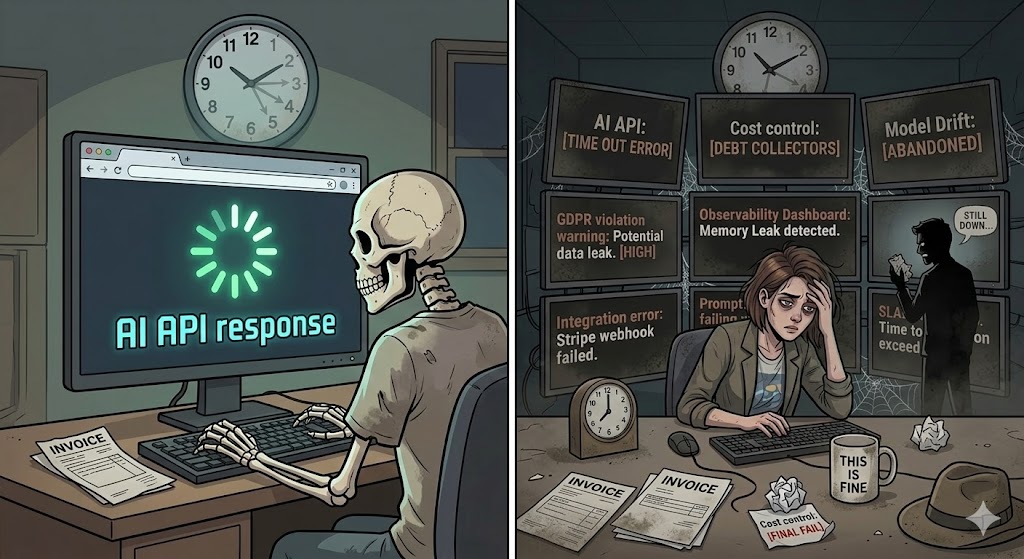
Each one needs a different response. Let’s build it.
The Solution
The patterns here are not new. Distributed systems engineers have been dealing with unreliable dependencies for decades. The difference is applying them to an AI component, which has some quirks worth understanding.
The four layers of a resilient AI integration:
1. Timeout — Set a hard limit on how long you’ll wait. If the AI hasn’t responded in N seconds, give up. Don’t let one slow request hold a thread forever.
2. Retry with backoff — For transient failures (network blip, brief overload), retry automatically. But use exponential backoff — don’t hammer a struggling API. And be careful: retrying a request that returned a wrong answer won’t help. Retry only on specific error codes (429, 503), not on bad responses.
3. Circuit breaker — After a certain number of failures in a time window, stop calling the AI entirely. Don’t keep trying. Open the circuit. Wait. Then try again slowly. This protects both your system and the provider.
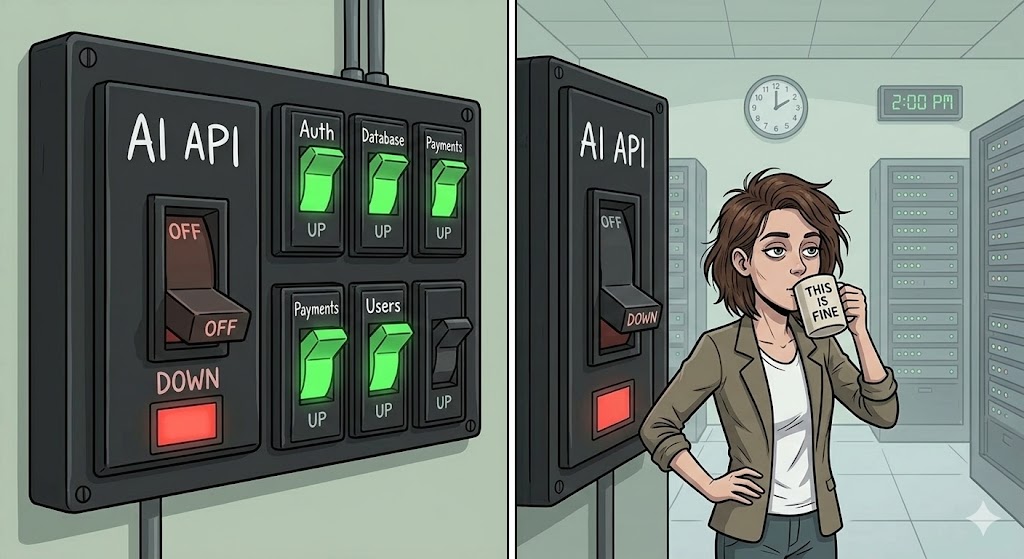
4. Fallback — When the circuit is open, what do you do? This is the architectural decision most teams skip. Options: return a cached previous response, return a static default, show a “this feature is temporarily unavailable” message, or route to a secondary provider. The right choice depends on the feature.
Together, these give you degraded mode: the AI feature is unavailable, but the rest of the application keeps working, and users get a reasonable experience instead of an error page.
Execute
We’ll use .NET with Polly, the standard resilience library for .NET. Polly has a ResiliencePipeline API that lets you compose these strategies cleanly.
First, add the packages:
dotnet add package Microsoft.Extensions.Http.Resilience
dotnet add package Polly.Extensions
The AI service interface
Start with a clean abstraction. The rest of your application shouldn’t care whether the AI is available or not — it just asks for a result.
public interface IAiSummaryService
{
    Task<string?> SummarizeAsync(string text, CancellationToken cancellationToken = default);
}
string? matters here. Null means “AI was unavailable, handle it upstream.” Don’t throw — throwing forces every caller to add try-catch. Return null and let the caller decide what to show.
The resilience pipeline
using Polly;
using Polly.CircuitBreaker;
using Polly.Retry;
using Polly.Timeout;

public static class ResiliencePipelines
{
    public static ResiliencePipeline<string?> BuildAiPipeline() =>
        new ResiliencePipelineBuilder<string?>()
            // 1. Timeout: give up after 10 seconds
            .AddTimeout(new TimeoutStrategyOptions
            {
                Timeout = TimeSpan.FromSeconds(10)
            })
            // 2. Retry: up to 2 retries on 429/503, with exponential backoff
            .AddRetry(new RetryStrategyOptions<string?>
            {
                MaxRetryAttempts = 2,
                Delay = TimeSpan.FromSeconds(1),
                BackoffType = DelayBackoffType.Exponential,
                ShouldHandle = new PredicateBuilder<string?>()
                    .Handle<HttpRequestException>(ex =>
                        ex.StatusCode is System.Net.HttpStatusCode.TooManyRequests
                                       or System.Net.HttpStatusCode.ServiceUnavailable)
            })
            // 3. Circuit breaker: open after 5 failures in 30 seconds
            //    Half-open after 15 seconds: try one request to check recovery
            .AddCircuitBreaker(new CircuitBreakerStrategyOptions<string?>
            {
                FailureRatio = 0.5,
                SamplingDuration = TimeSpan.FromSeconds(30),
                MinimumThroughput = 5,
                BreakDuration = TimeSpan.FromSeconds(15),
                ShouldHandle = new PredicateBuilder<string?>()
                    .Handle<HttpRequestException>()
                    .Handle<TimeoutRejectedException>()
            })
            .Build();
}
The service implementation
public class AiSummaryService : IAiSummaryService
{
    private readonly HttpClient _http;
    private readonly ResiliencePipeline<string?> _pipeline;
    private readonly ILogger<AiSummaryService> _logger;

    public AiSummaryService(
        IHttpClientFactory factory,
        ILogger<AiSummaryService> logger)
    {
        _http = factory.CreateClient("ai");
        _pipeline = ResiliencePipelines.BuildAiPipeline();
        _logger = logger;
    }

    public async Task<string?> SummarizeAsync(
        string text,
        CancellationToken cancellationToken = default)
    {
        try
        {
            return await _pipeline.ExecuteAsync(async ct =>
            {
                var response = await _http.PostAsJsonAsync(
                    "/summarize",
                    new { text },
                    ct);

                response.EnsureSuccessStatusCode();

                var result = await response.Content
                    .ReadFromJsonAsync<SummaryResponse>(ct);

                return result?.Summary;
            }, cancellationToken);
        }
        catch (BrokenCircuitException)
        {
            // Circuit is open — AI is known to be unavailable
            _logger.LogWarning("AI circuit open. Returning null.");
            return null;
        }
        catch (Exception ex)
        {
            // Exhausted retries or unexpected error
            _logger.LogError(ex, "AI summarization failed after retries.");
            return null;
        }
    }
}

record SummaryResponse(string Summary);
Wiring it up
// Program.cs
builder.Services.AddHttpClient("ai", client =>
{
    client.BaseAddress = new Uri(builder.Configuration["Ai:BaseUrl"]
        ?? throw new InvalidOperationException("Ai:BaseUrl is required."));
    client.DefaultRequestHeaders.Add(
        "Authorization",
        $"Bearer {builder.Configuration["Ai:ApiKey"]}");
    // HttpClient timeout is the outer safety net.
    // Set it higher than the Polly timeout so Polly fires first.
    client.Timeout = TimeSpan.FromSeconds(15);
});

builder.Services.AddScoped<IAiSummaryService, AiSummaryService>();
The caller: degraded mode in practice
[HttpGet("{id}/summary")]
public async Task<IActionResult> GetSummary(
    Guid id,
    CancellationToken cancellationToken)
{
    var document = await _documents.GetByIdAsync(id, cancellationToken);
    if (document is null) return NotFound();

    var summary = await _ai.SummarizeAsync(document.Body, cancellationToken);

    return Ok(new
    {
        document.Id,
        document.Title,
        // Null means AI was unavailable. Client handles this.
        Summary = summary,
        AiAvailable = summary is not null
    });
}
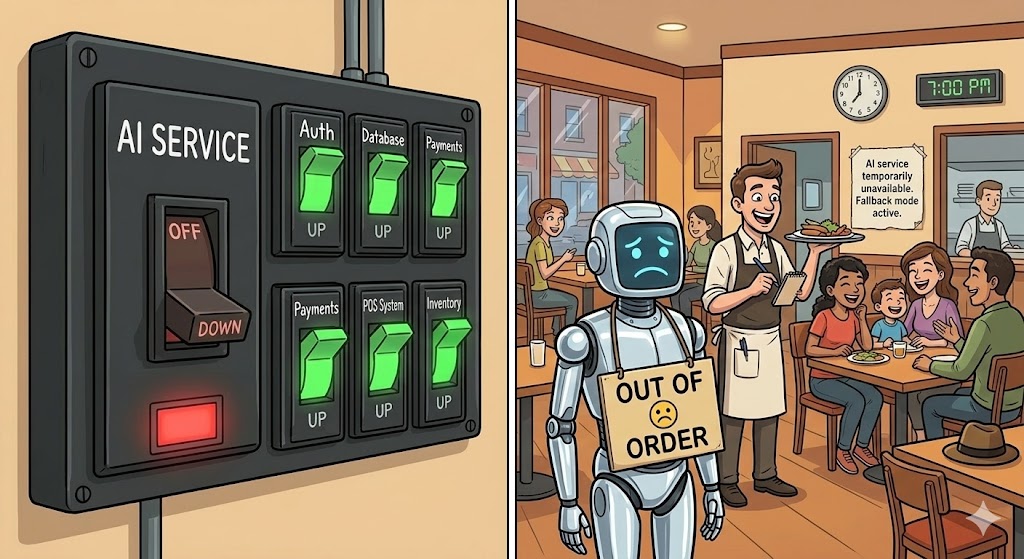
The client gets a valid response either way. If AiAvailable is false, the frontend shows a message like “Summary temporarily unavailable” instead of crashing. The user can still read the document.
That’s degraded mode. The feature is gone. The application is not.
Testing it
Don’t wait for a real incident to discover your fallback doesn’t work. Test it now:
// In your integration tests, use a mock handler that returns 503
public class AlwaysFailHandler : DelegatingHandler
{
    protected override Task<HttpResponseMessage> SendAsync(
        HttpRequestMessage request,
        CancellationToken cancellationToken) =>
        Task.FromResult(new HttpResponseMessage(HttpStatusCode.ServiceUnavailable));
}
Wire it into a test HttpClient, run your service, and assert that SummarizeAsync returns null instead of throwing. If it throws, your fallback is broken and you’ll find out in production.
Checklist
Before any AI feature goes live, answer these:
- Is there a timeout on every AI call? Is it lower than the overall request timeout?
- Do you retry on 429 and 503 with backoff? Do you avoid retrying on bad responses?
- Is there a circuit breaker? Do you know what state it’s in right now?
- What does the user see when the AI is unavailable? Have you tested it?
- Does a complete AI outage affect only the AI feature, or the whole application?
- Have you tested the fallback path in a real integration test?
If any answer is “I don’t know” — that’s the one to fix first.
Before the Next Article
You’ve built a system that survives AI failures. But here’s a harder question: how do you know when it’s about to fail?
The circuit breaker opens after 5 failures. But what about the 4 failures before that? And what about slow degradation — requests that succeed but take 3x longer than normal, or responses that are technically valid but quietly getting worse?
That’s observability. And it’s next.
If this series helps you, consider buying me a coffee.
This is article 2 of the AI in Production series. Next: Observability — how to measure what you can’t see.
Loading comments...